

The text editor in Event Details, on various templates and in individual fields on the registration form lets you upload a document or link to a file so your participants can open/print it on their own computer.
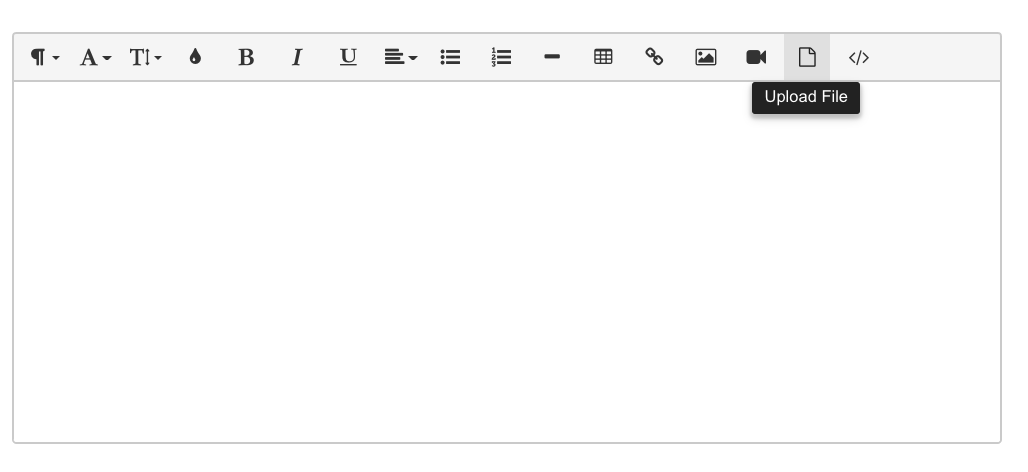
To insert a document/file, place your cursor where you want the document to upload and click on the Document icon from the Text Editor toolbar.
Drop a file into the dialogue box that pops up or click on it to search for the file you want to upload from your computer.
Once it's been uploaded, it will appear as a link.
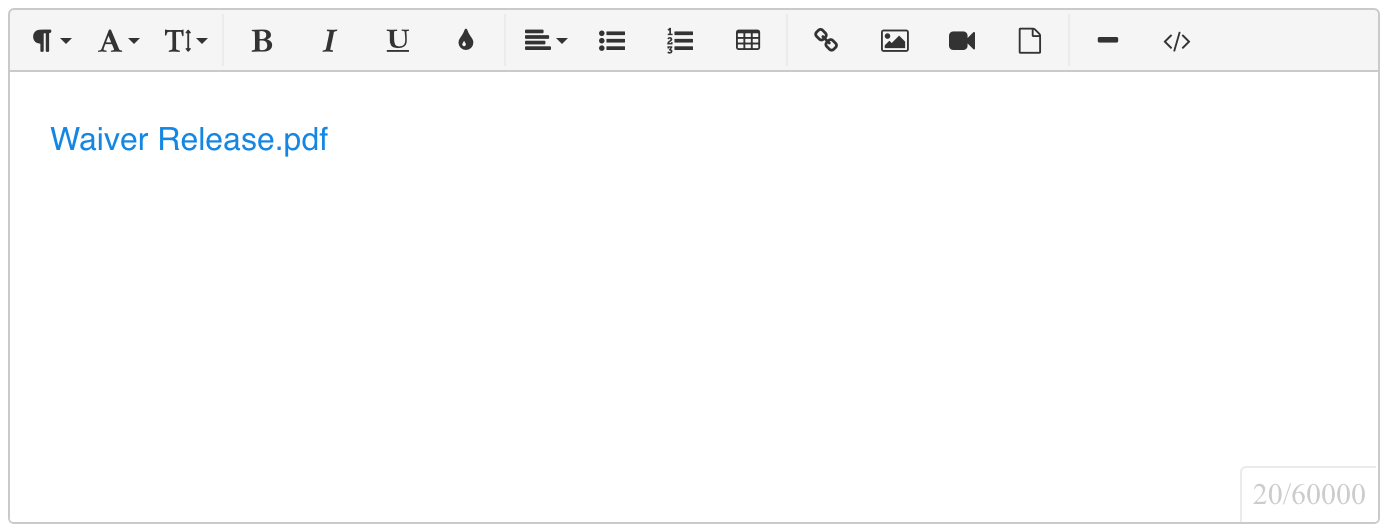
Click on the link for a menu with more options.
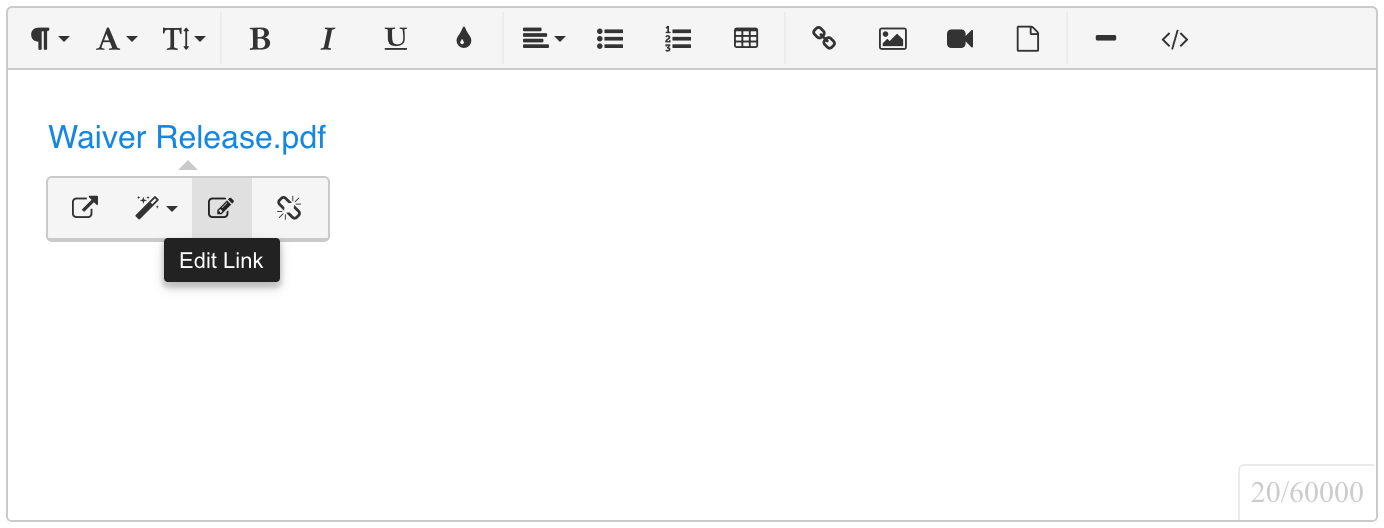
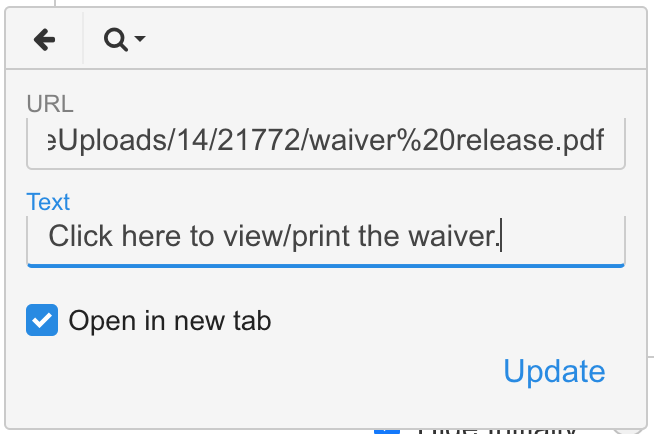
Click Edit Link to change the text that is displayed.
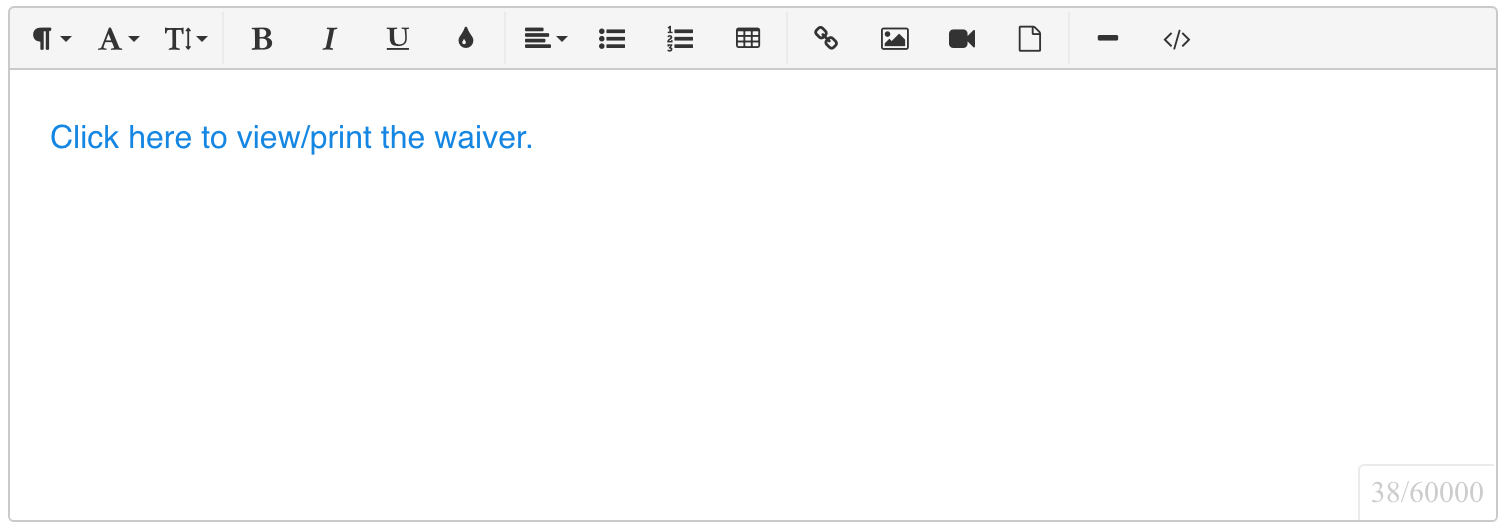
Be sure to save your changes on the page and click Preview to see how it will appear.
How can I upload a document or link to a file? Video
(Read video transcript here.)