

There are many ways you can customize the experience donors have when they make online donations through Peer-to-Peer.
Peer-to-Peer Donation Form
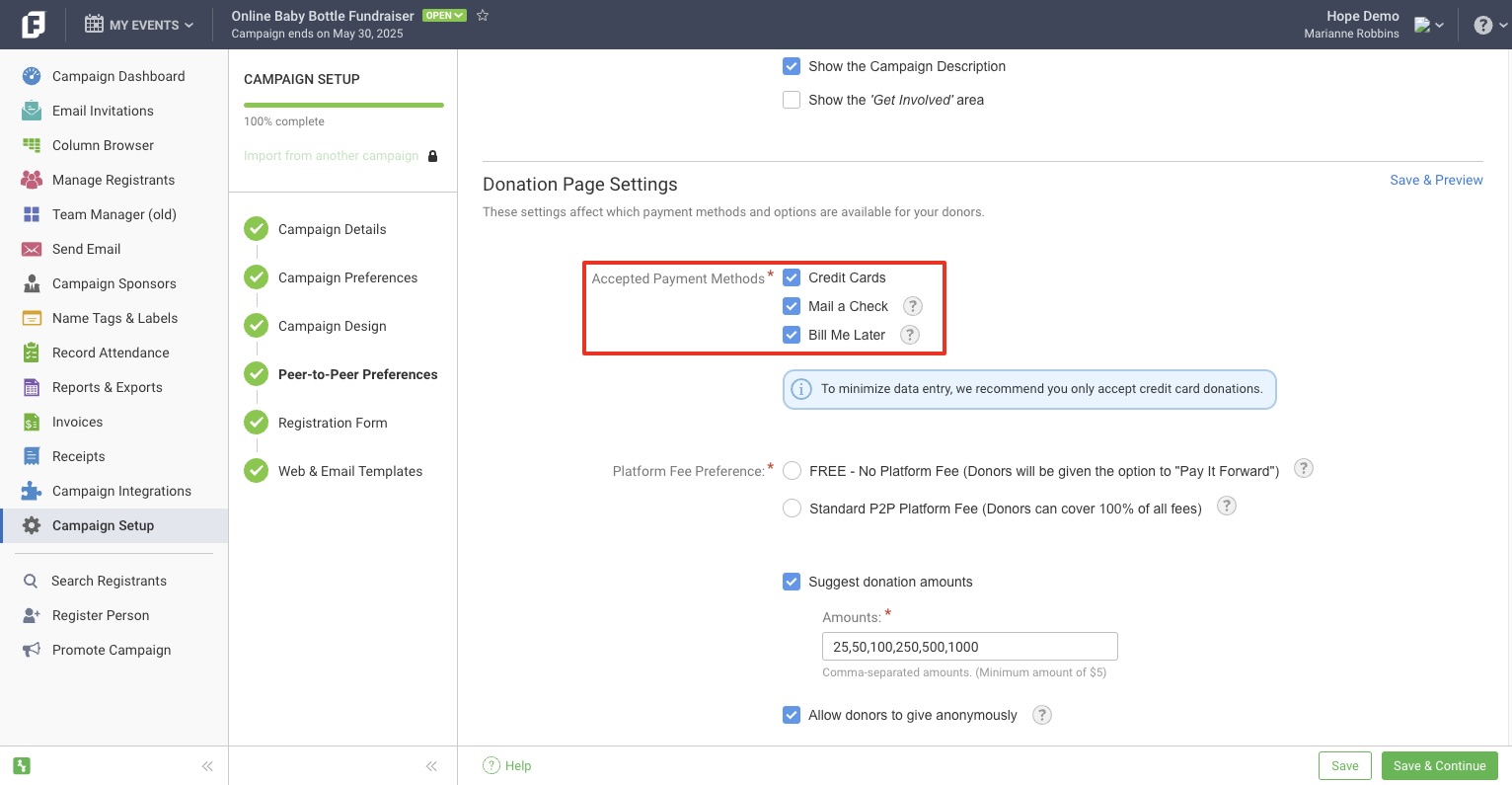
In Event Setup > Peer-to-Peer Preferences, choose the Payment Methods you want to make available to your donors.
Note: This does not affect your Participant registration form. To change the payment methods on your Participant registration form, please contact Support.
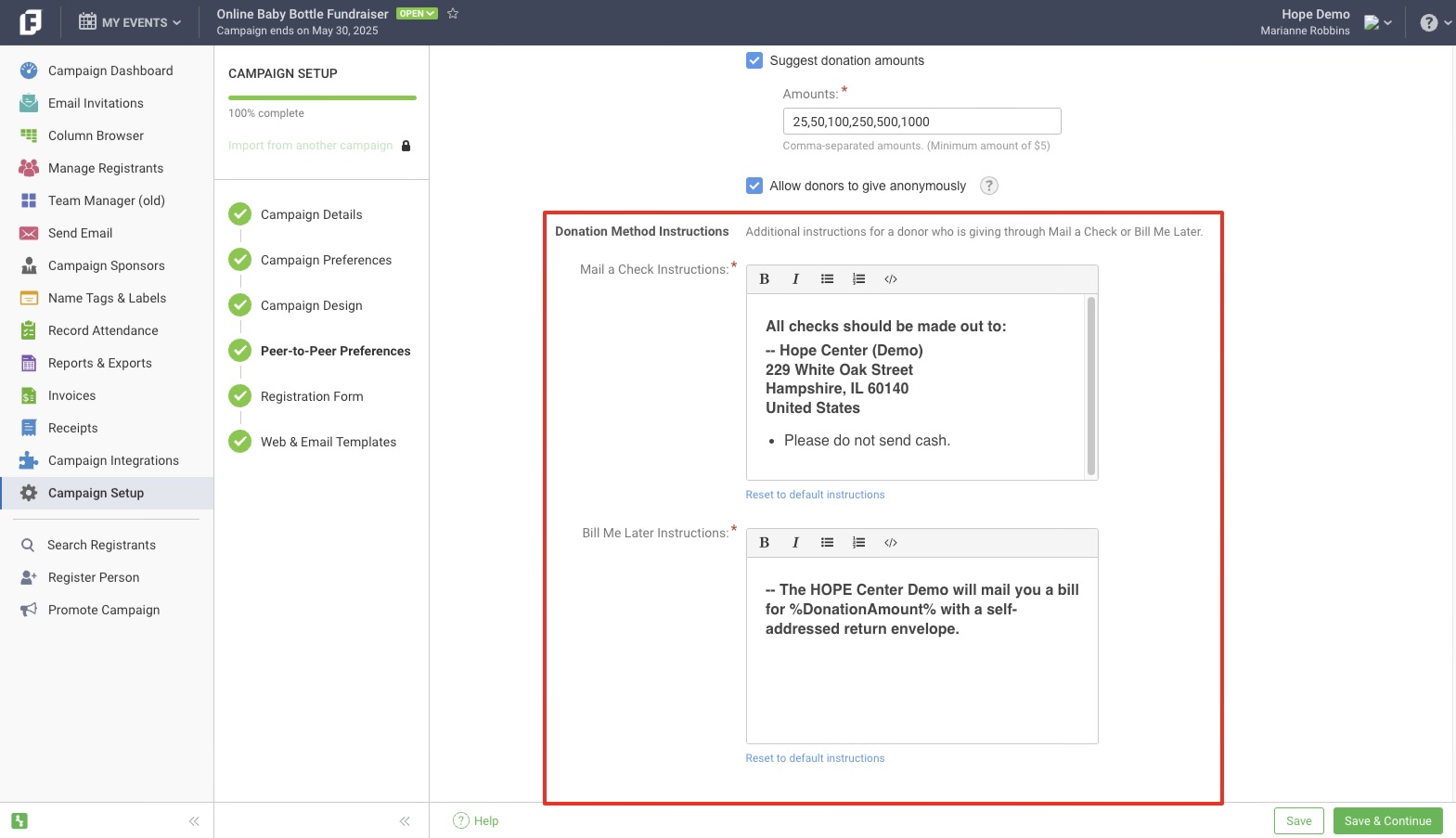
When you choose the Mail a Check or Bill Me Later payment methods, you can edit the mailing and billing instructions for those offline donations.
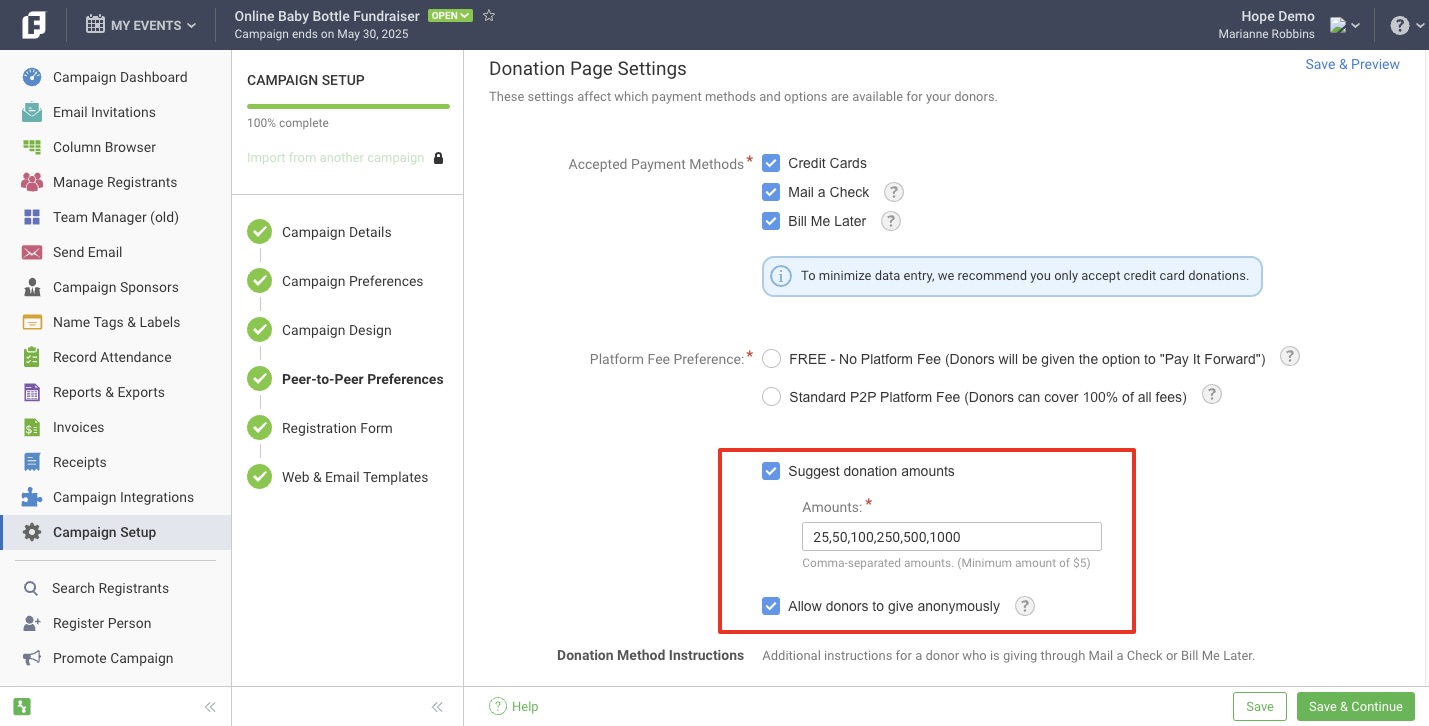
You can also suggest donation amounts and allow donors to give anonymously.
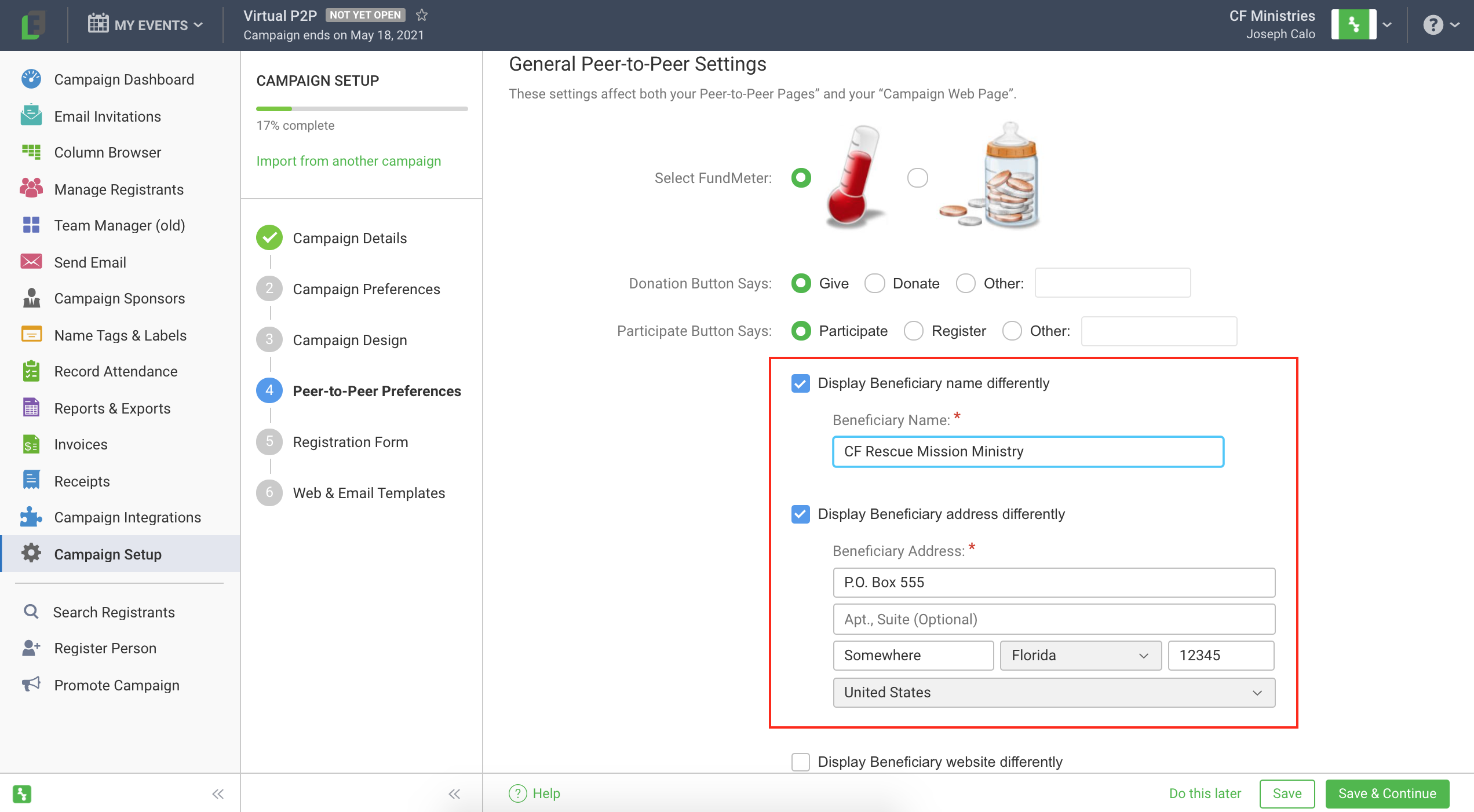
Finally, you can change how the Beneficiary name and address appear on fundraising pages and the Peer-to-Peer Donation Page. This is helpful if your organization has a DBA.
Peer-to-Peer Donation Receipt Email
You can edit the Peer-to-Peer Donation Receipt Email that is sent to online donors (when a tax ID is included in the event) by going to Event Setup > Web & Email Templates > Peer-to-Peer Donation Receipt Email.
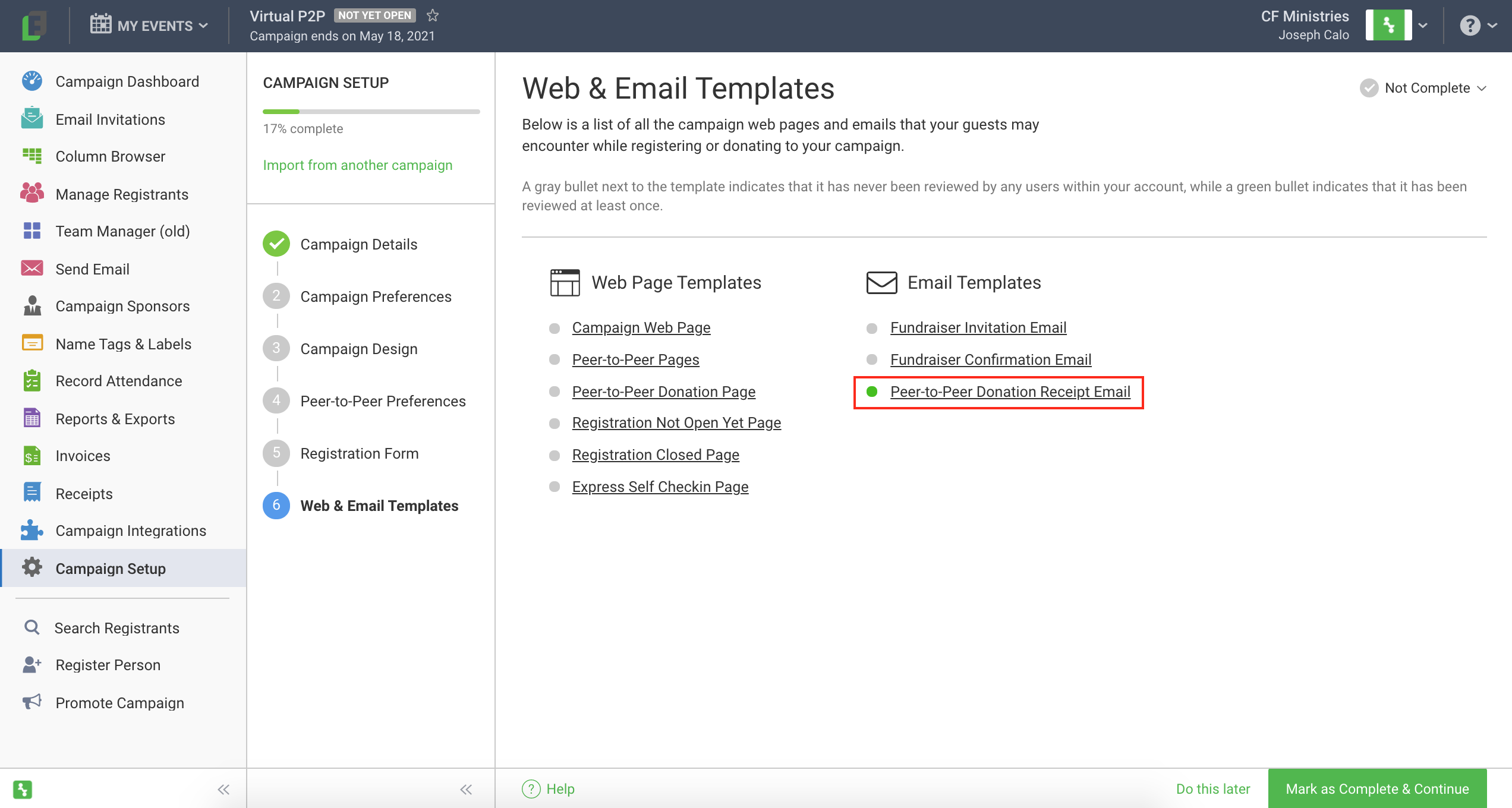
Then, click the Edit Template button in the top right corner of the Template to make edits.
Note: Offline donations that include an email address and online donations in events that do not include a tax ID receive a donation confirmation version of this email after registration (instead of a donation receipt email).