

FundEasy and Stripe are here to serve you! Not sure whom you should contact?
You can contact FundEasy by chat (from the help icon in the upper right hand corner of your account) or email (support@fundeasy.com) about questions like:
How to enable Stripe as a Merchant and begin the onboarding process
How to apply for the Stripe nonprofit rate
How financial transactions are viewed in FundEasy
You can contact Stripe for:
Questions regarding a specific charge, refund, payout, or dispute
Account-related issues, including account lockouts
Using the Stripe Dashboard's functionality and settings
Questions about the Stripe account verification process
Questions about payouts
When in doubt, feel free to contact FundEasy first and we'll point you in the right direction!
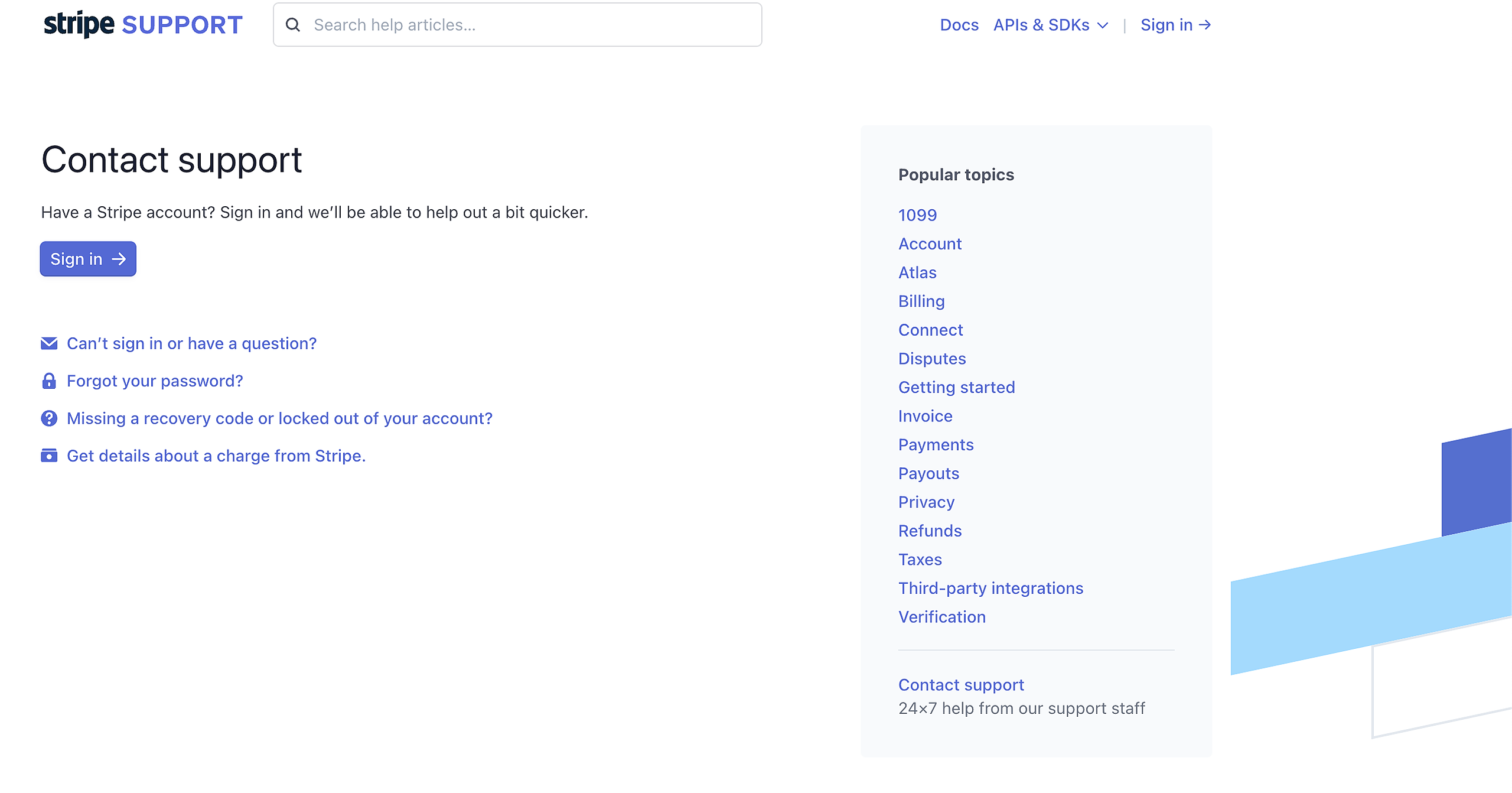
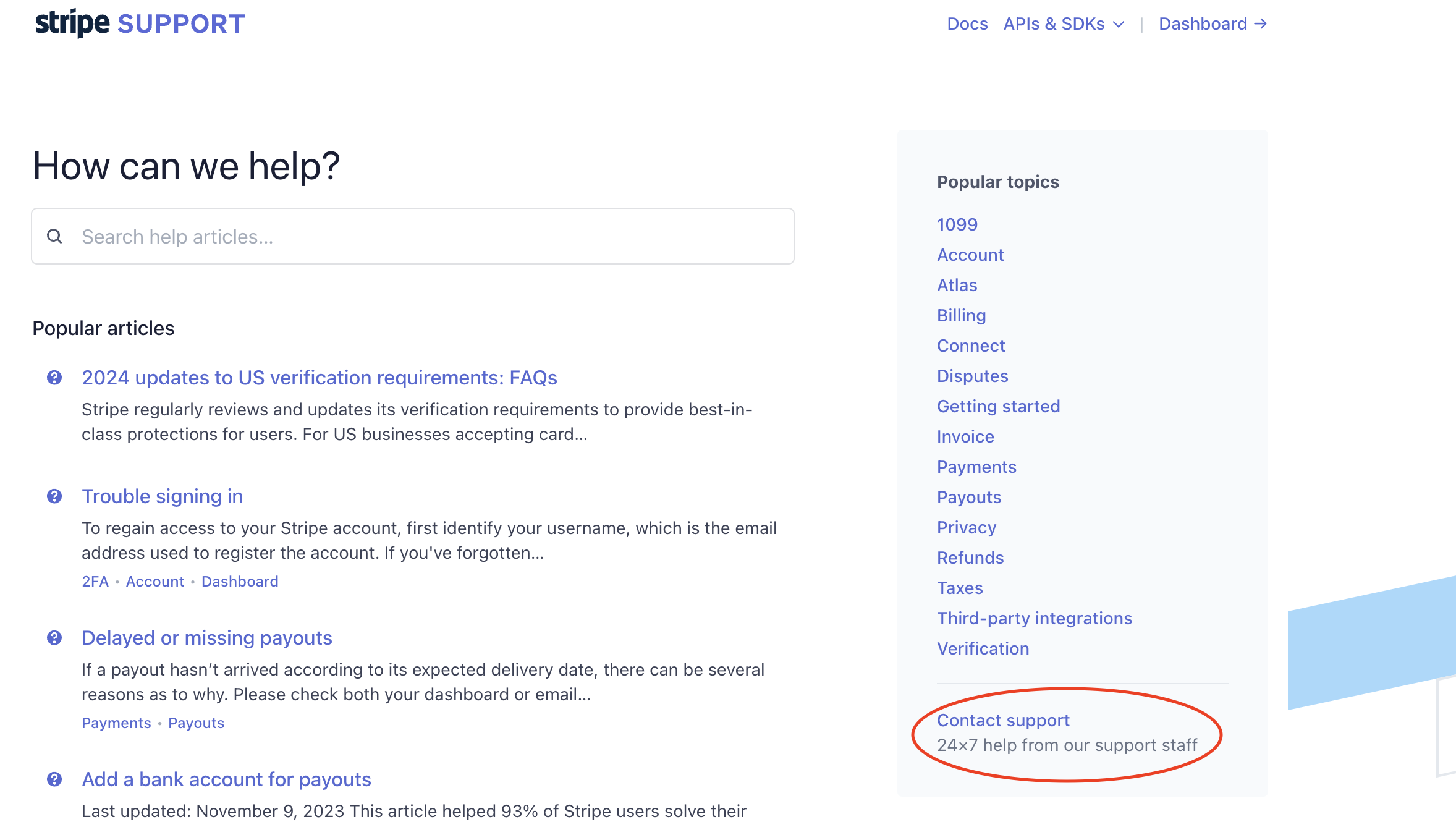
Contacting Stripe is easy! You can access Stripe Support here. Check out their Knowledge Base articles (view helpful categories on the left), or click Contact Support in the lower right hand corner. If you're not logged into your Stripe account, clicking Contact Support will default to an email option. You can email your question, or sign in for quicker service.
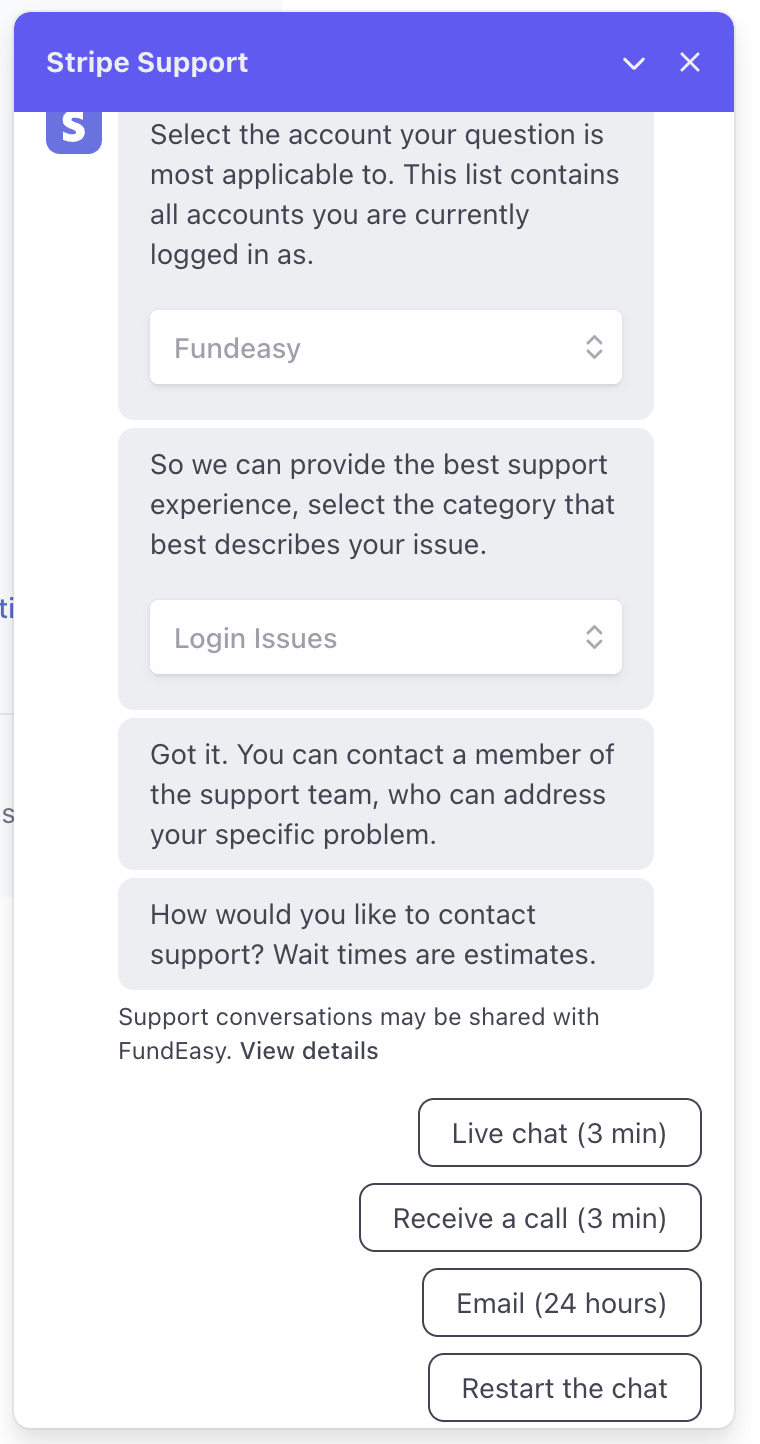
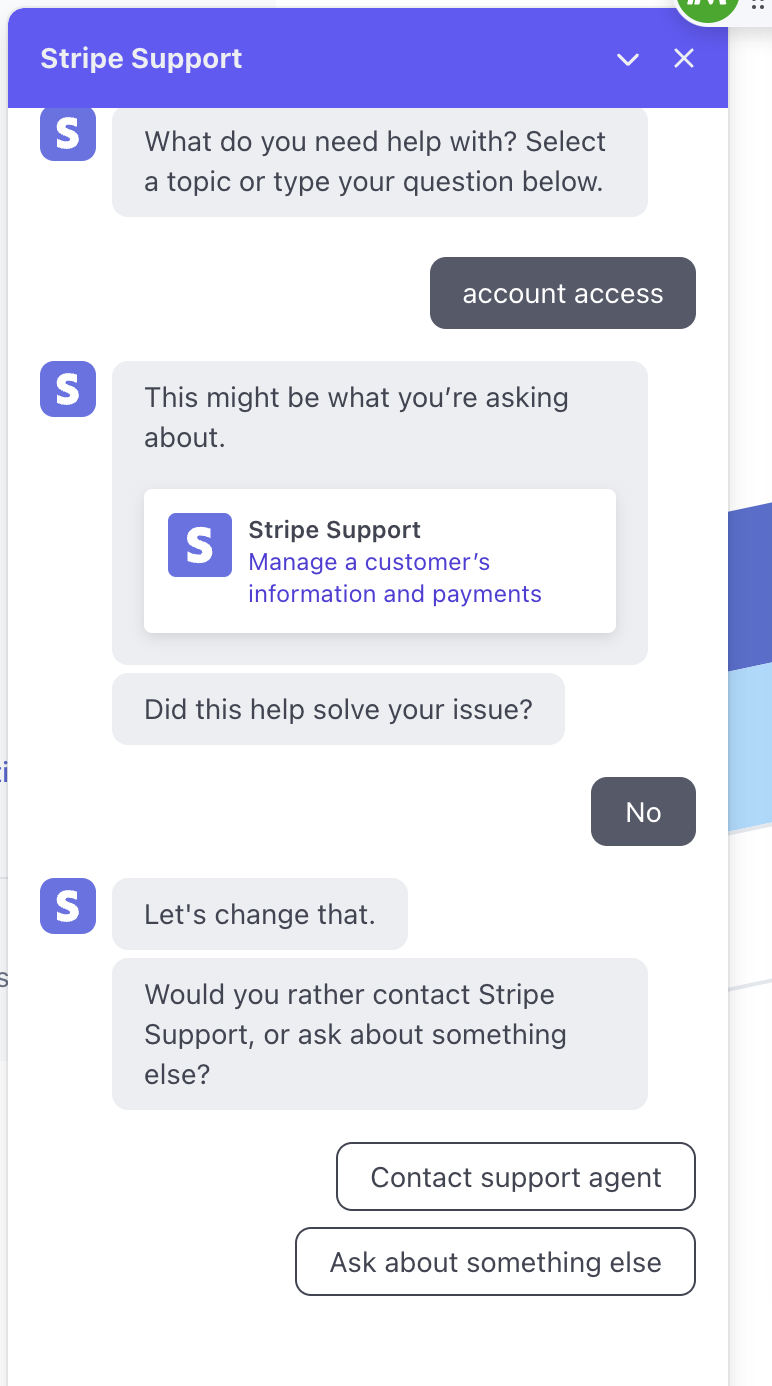
If you are logged into your Stripe account, clicking Contact Support will open a chat window. Choose one of the prompts or enter a keyword about the help you need to begin. You'll first interact with a chat bot that will suggest various resources.If that doesn't solve your problem, click No in the prompt and select "Contact support agent." Enter the account you're asking about and the topic that best fits your question to see options for connecting with a real person.
You'll be chatting with (or receiving a call from) someone at Stripe in no time!