

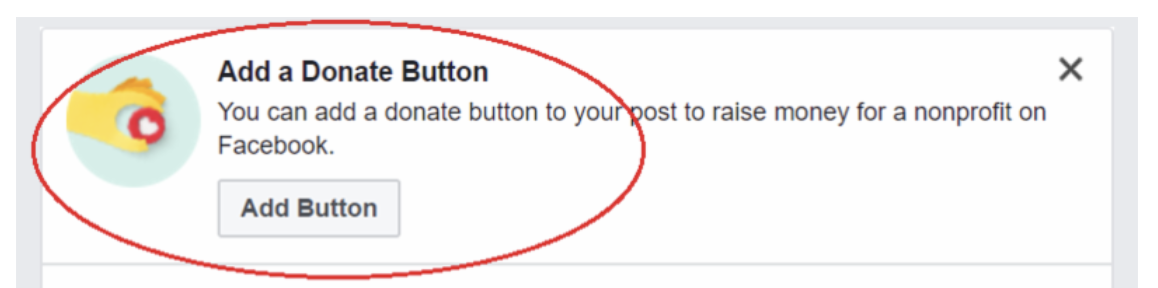
Facebook has a separate donate button that will sometimes appear after you make a donation. Facebook may also give the option to set up a Facebook fundraiser for a non-profit. This is not connected with Peer-to-Peer, and any donations that are made through this button will not show on your fundraising page.
Here are a few articles that explain the process so you can know what to expect:
Charitable Giving on Facebook
How donations are received
Info about Network for Good
If you want that donation to be reflected in your event totals, you can still register that Sponsor under the Fundraiser and list it as a cash/check donation. You can either mark it as Paid to close it out (knowing that it will take time to be received), or you can leave it as Unpaid until you get the check from Network for Good, even though it will potentially be quite awhile after your event is over.
For GivingTuesday, Year-End, and other Crowdfunding campaigns, the Starting Balance field should be used instead to count these donations into the event totals. Read more about the Starting Balance field here.
We've written a blog post about the Facebook Donate button. Read the blog here.