

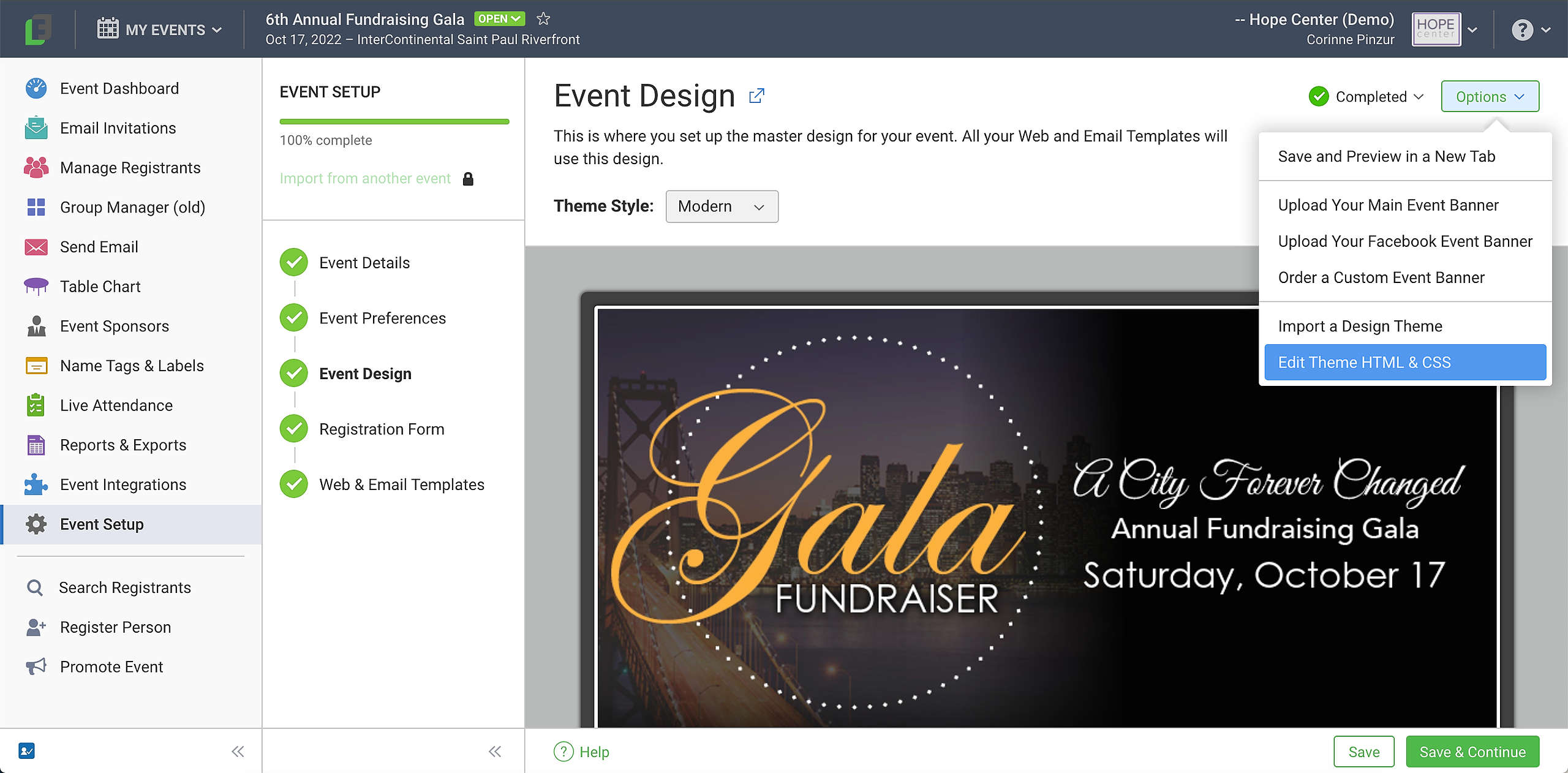
The Event Design section in Attendance events includes an option for customizing HTML and CSS. This is an advanced tool that requires knowledge of HTML and CSS. You may need to ask your IT person to help with this if you are not familiar with HTML/CSS.
To access this tool, go to Event Setup > Event Design, click the Options button in the top right corner, and click the Edit Theme HTML & CSS option in the dropdown.
There are 3 sections for both the Web Templates and the Email Templates. Different sections contain different information on the templates.
Master CSS - Your template and email font styles, background and text color, and sizes are chosen in the Design section, but they can be customized for templates and emails in this section.
Master Header HTML - The header contains the top and body of your templates. When you upload a banner, for example, the link for that will show here.
Master Footer HTML - The footer has the HTML on the bottom of your templates, including the contact information variables. Note: Your contact information is usually edited from the event details in your event.
For more help, you can also check out this webinar that deals with this and other "FUN Things of FundEasy (Attendance)" starting at 6:19.