

Using Peer-to-Peer for your Baby Bottle Campaign means you have access to full range of settings and features that might also be used for walks and other types of fundraising events. Not sure how to customize it to work best for your Baby Bottle Campaign? Check out the resources below for a complete guide of best practices for a successful campaign!
1. Creating Your Baby Bottle Campaign
CLICK HERE to see how easy it is to create your campaign and fill in the initial details.
Or, Crystal shows you exactly how in the video below:
2. Completing Setup
Your event is created! Now what? CLICK HERE to take a tour of exactly which settings are most relevant to setting up a Baby Bottle Campaign that's easy for your churches and compelling for your donors.
Or, follow along with Crystal as she sets up a campaign in the video below:
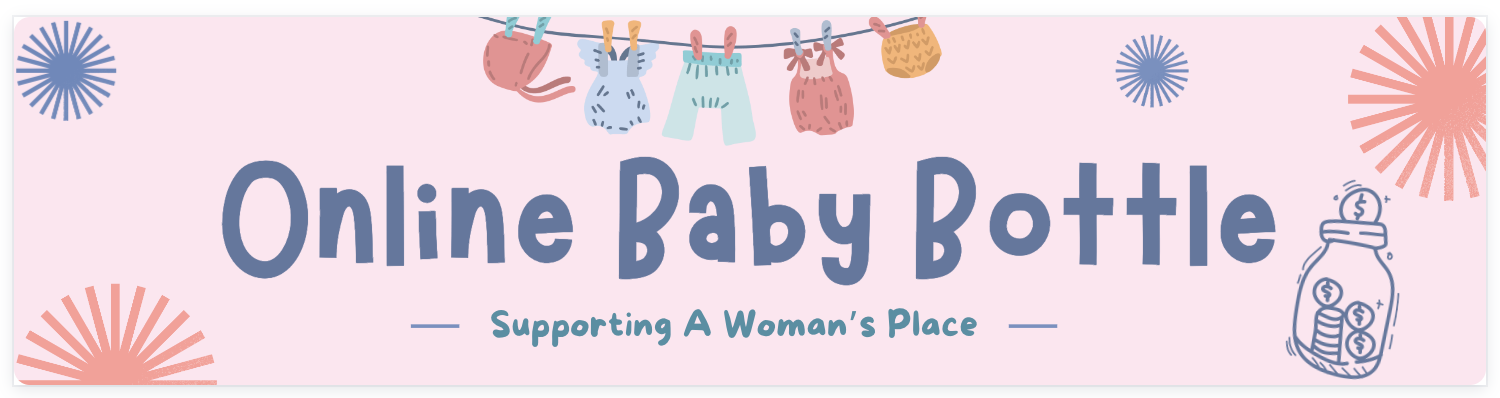
Looking for a great banner image to use in your campaign setup? Our team created free Canva Templates with you in mind. CLICK HERE to go to where they can be customized with your organization's name before downloading. CLICK HERE for corresponding templates to use for the Mobile Banner.
3. Registering and Editing Church Fundraising Pages
Once your campaign is set up, it's time to create individual fundraising pages for your churches. CLICK HERE to learn how to create and manage a page that makes it easy for churches to share and easy for donors to give!
Or, walk through this process with Crystal in the video below:
4. Recording Offline Donations for your Church Fundraising Pages
As physical baby bottles are turned into your office, you'll need to record those gifts in your campaign. CLICK HERE to see written instructions about recording offline donations.
Or, Crystal takes you through this quick process in the video below:
Looking for more? Check out our webinar about Online Baby Bottles, sample campaign pages and more on our blog!