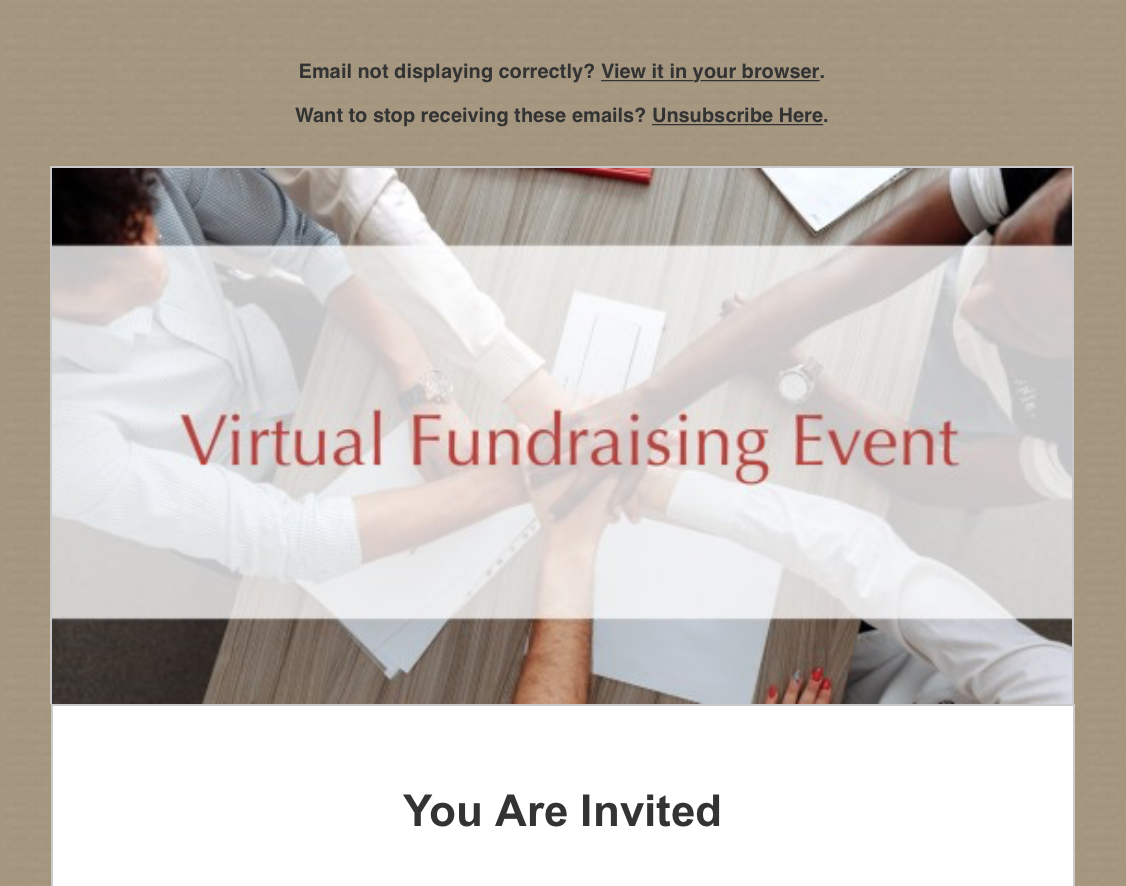
To unsubscribe from all FundEasy emails, click the Unsubscribe Here link at the top of the email.
Unsubscribing from most FundEasy emails will stop all event and account emails. For example, unsubscribing from an Invitation Email or a Confirmation Email will remove the recipient from receiving all FundEasy event and account emails.
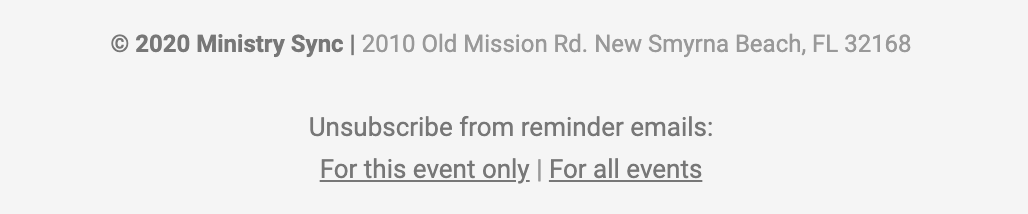
Some emails have an Unsubscribe link at the bottom to let you choose to only unsubscribe from emails regarding the specific event or to unsubscribe from all event and account emails. These options are usually included in set-up emails and setup reminders.
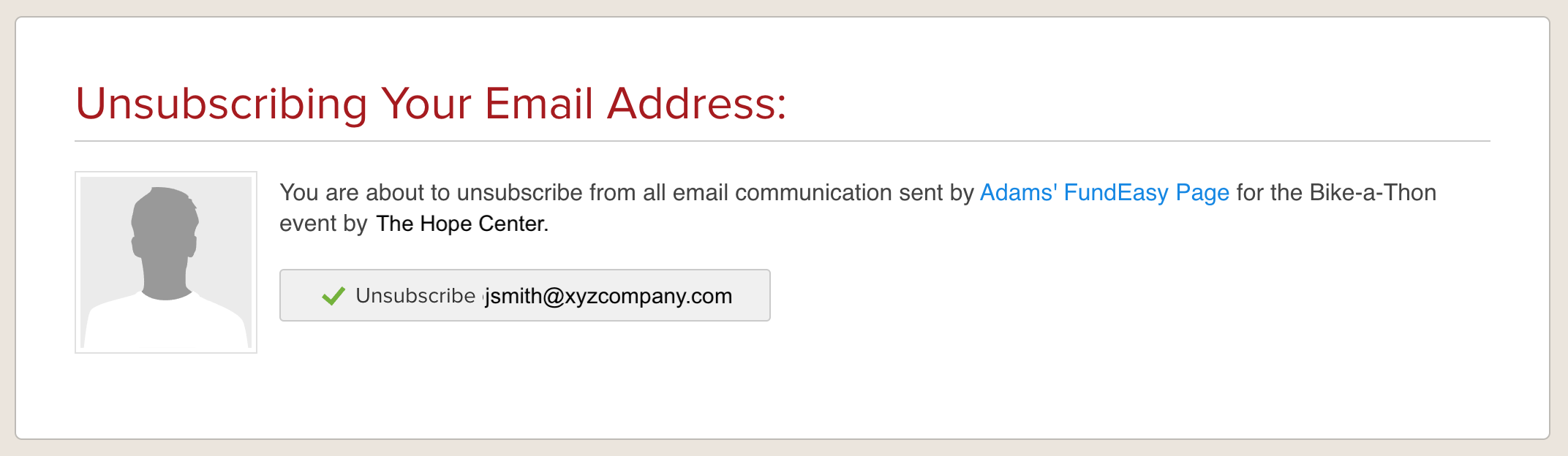
Some Peer-to-Peer emails, such as summary and donation notifications, only give the option to unsubscribe from emails generated by the specific event or fundraising Page. This option is at the bottom of the email.

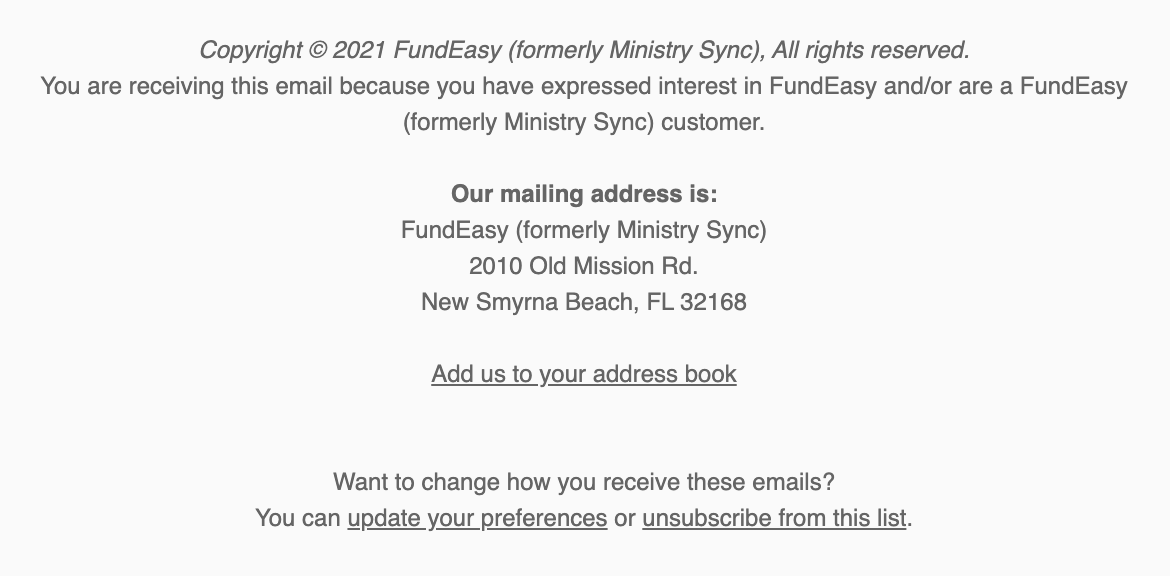
Emails that are connected to blog posts don't affect the event and account emails from FundEasy. They must be unsubscribed from separately using the "unsubscribe from this list" link at the bottom of the email.