

You can report on Registration Credit to see who registered a specific guest.
(Read video transcript here.)
You can easily see this information by going to Manage Registrants, clicking the View as Report button on the right, and scrolling to the right to see the Registration Credit column.
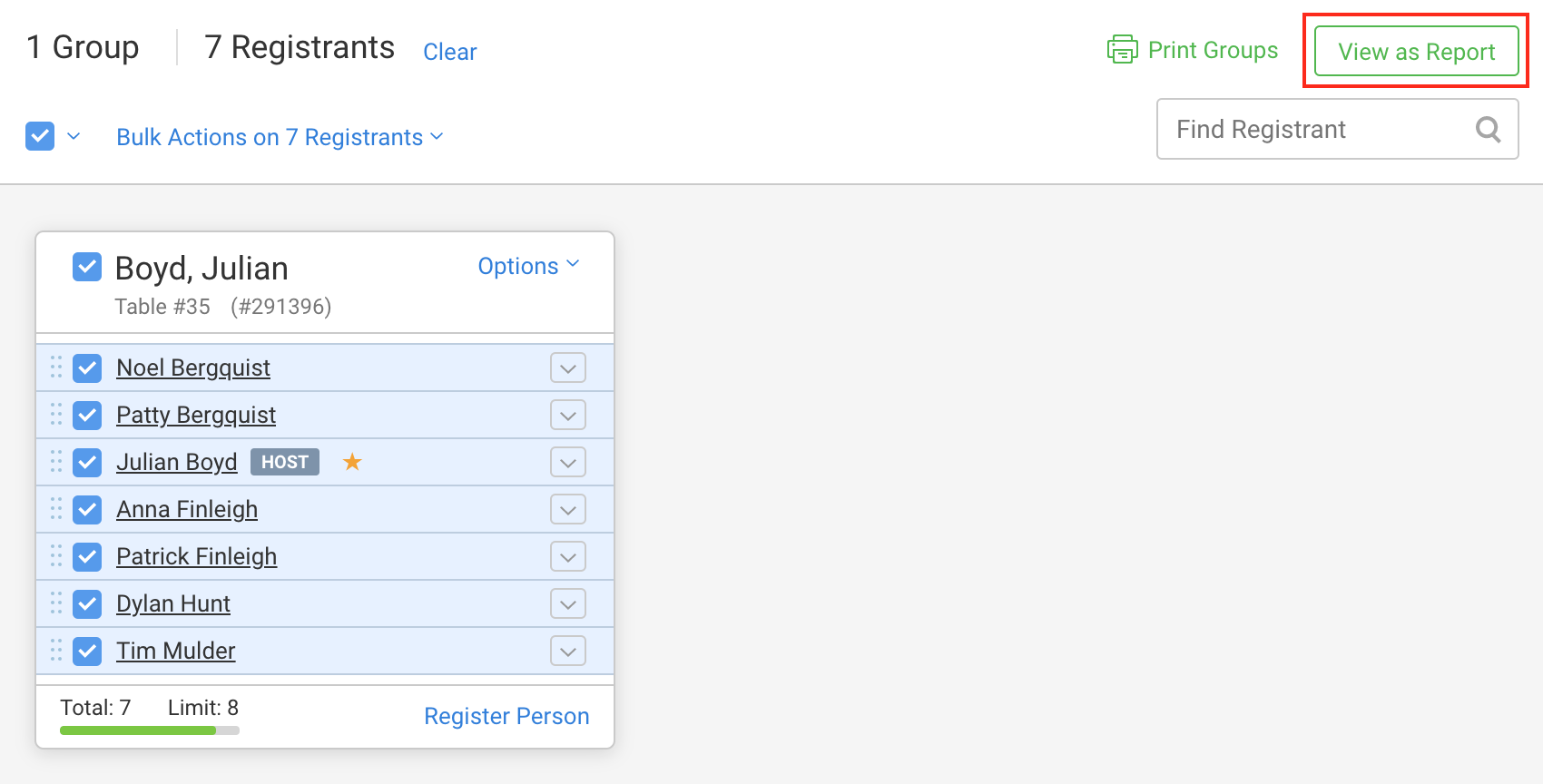
You can select individuals, groups, or view all registrants as report.
"Public Registration" means that person registered via the public registration form.
A name and FundEasy means they were registered by an admin. The name is the person who was logged in.
A name and Host Manager means they were registered via the host manager. The name is the name of the registrant.
A name and Email Invite means they registered themselves via an invitation email. The name is the name of the person who invited them.
You can also create a report in Reports & Exports > Custom Report Builder.
Click the Change Columns link on the right
Check the box to add the Registration Credit field
Apply Changes button at the bottom of the page.
The report will then include the Registration Credit field so you can see how people signed up.