

If the background is black, you are using a transparent image, one that is meant to go on a colored background. You’ll either need to get a non-transparent version, or you need to flatten this image in photo editing software.
To fix this without Photoshop or other image editing software, try searching online for an online photo editor. One example is LunaPic.
Go to LunaPic.com
Click Upload to upload your image
To the right of the File Type data toward the top of the page, click Change Type
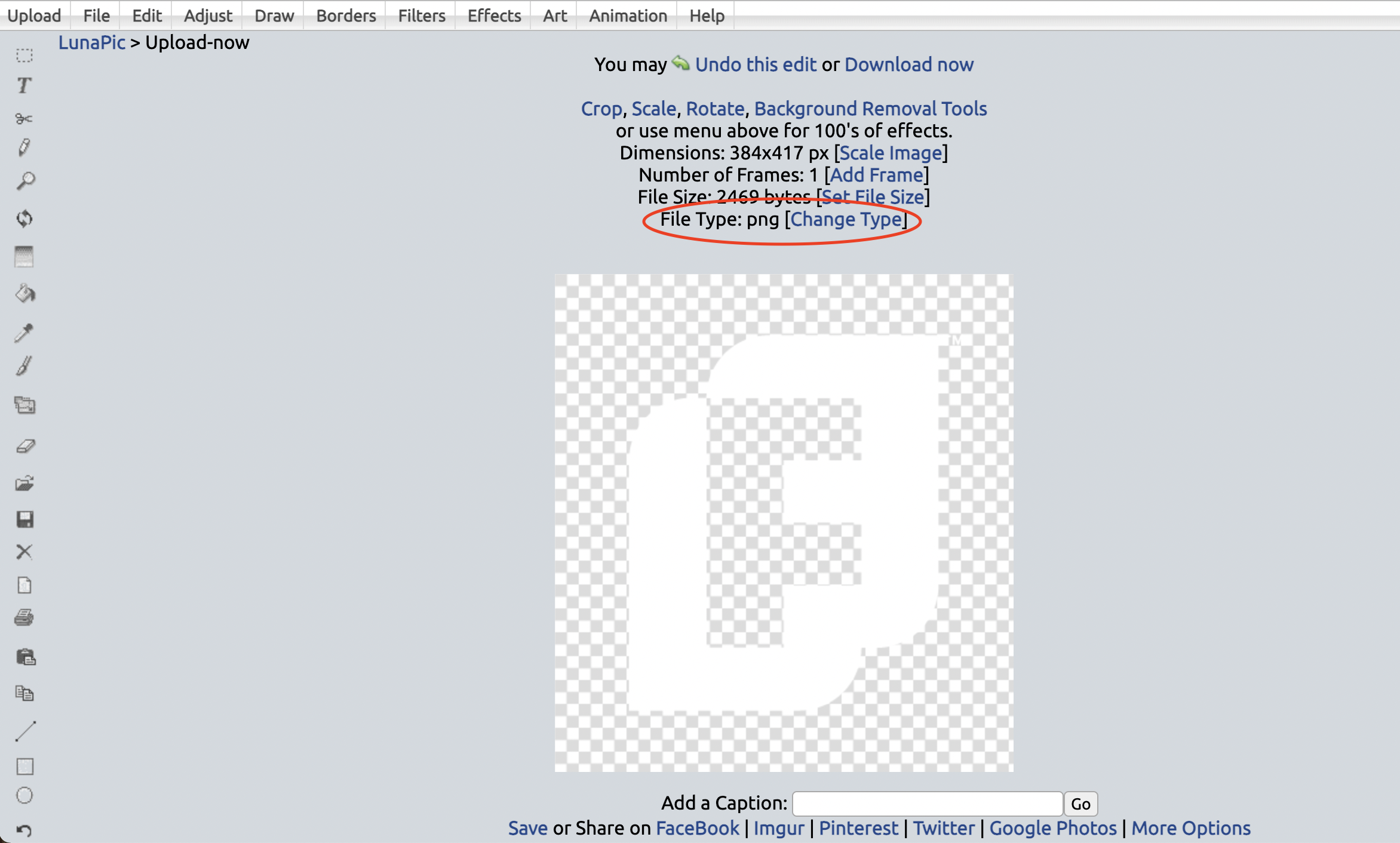
Click Convert to JPG
Once converted, click Save under the image to save the new file to your desktop
Now you can upload the file into FundEasy
If the colors themselves aren’t quite right, the simplest solution is to try using a .PNG version of the image instead of a .JPG. PNGs have more available colors to choose from.
A more technical solution is to upload an RGB version of your image, which will print in the correct CMYK colors. Talk to your graphics person to get a RGB version of your image.