

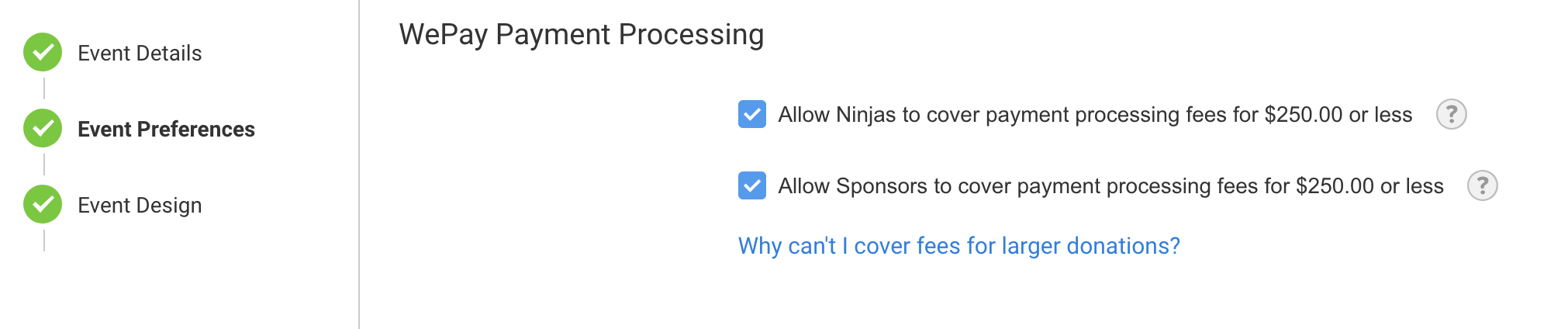
Stripe offers the ability to have donors pay the processing fees for their gifts made through your Stripe account for Crowdfunding, Attendance and Peer-to-Peer events. You'll find this setting in Event Preferences for Attendance and Peer-to-Peer events:
and in the Donation Widget settings in Crowdfunding campaigns:
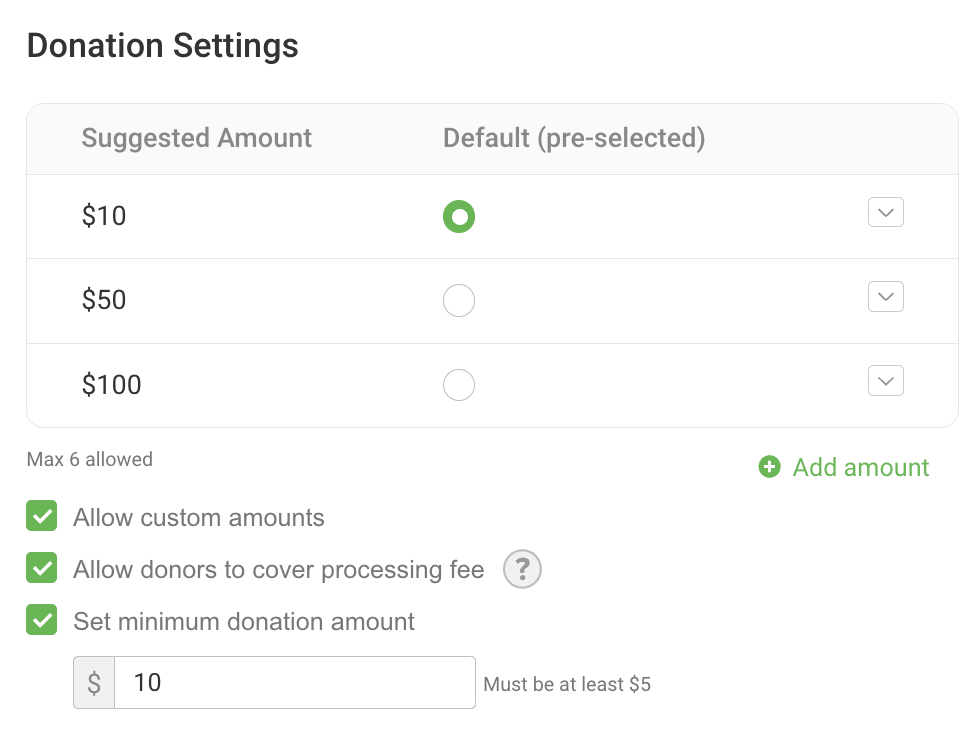
By default only donations and fees up to $250 can be covered. For more information on why, please see this article. If you would like to change this limit, please contact support.
When this feature is enabled, we'll add a checkbox to your payment form that asks donors or registrants if they would like to cover the fees. If they agree, the amount is added to their total.
Only the donation is tax deductible. Peer-to-Peer receipts and invoices will state this clearly and list the fees and donation separately. If you've been advised by your tax expert to handle this differently, you may want to receipt your donors out of your own accounting software.
Fees are not included in totals on fundraising pages. In Reports, a separate column shows the fees for each transaction, and you can easily tell which transactions had covered fees.
The amount of the fees that have been covered also shows on the Event Dashboard in your event.
Integration with eKYROS and Waycool (CoolFocus) also separates the fees from the donation.
If a transaction is refunded or charged back, both the donation and the fees are returned.
Please note that Stripe's fees for American Express may vary from our advertised fee structure. To verify this rate or to request to disallow American Express in your account, please contact Stripe. Rates that deviate from our advertised fee structure will result in reporting discrepancies.