

If you'd like to duplicate a prior event, your event details can be copied from a past event, but you will first need to add some required information during the event creation process to get started. Once you have added your event title, date, time, and contact information, plus any other required fields, you can save your event details. On the next screen you'll find the option to import your event settings from a previous event.
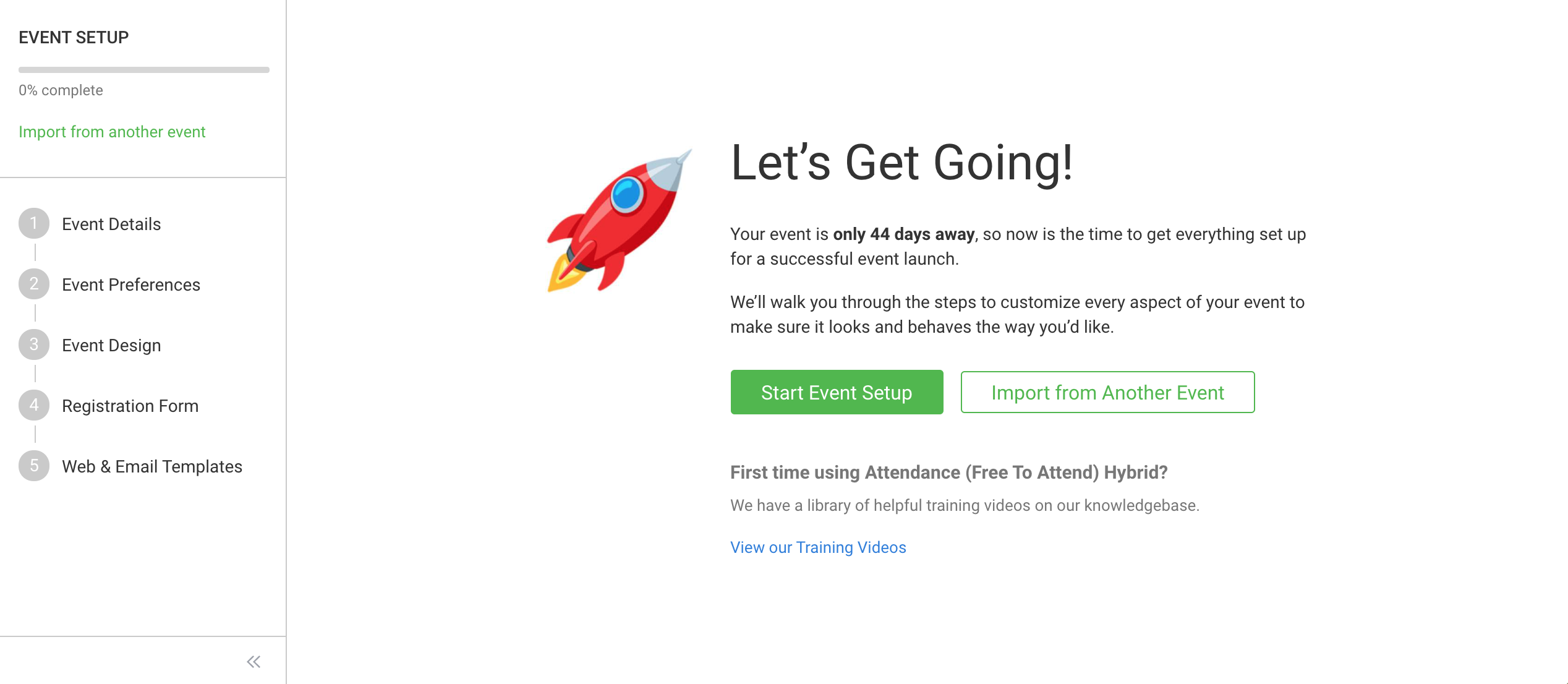
NOTE: Importing will overwrite the existing Details, Preferences, Design, Registration Form, and/or Templates in your new event. Please be sure that you don't have any registrant information or any Details or Template customizations that you don't want to lose.
You'll also find a link to import your event settings at the top of the Event Setup column.
Once you click Import from a Past Event, you can choose which event you want to import from and which settings you want to import.
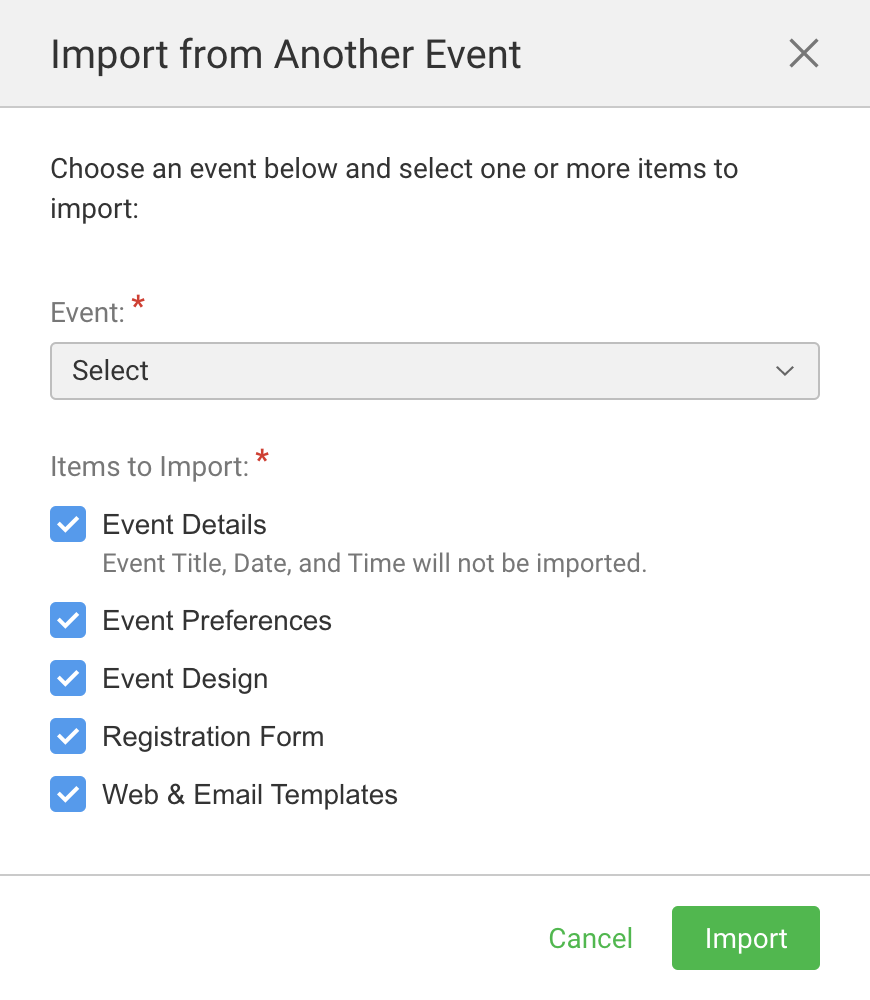
Design and templates older than 2017 cannot be imported because the template styles have changed.
Can I copy my past event into my new event? Video
(Read video transcript here.)